.NET 10 support in Visual Studio 2022
A Blog from Mike Irving, Software Developer
By Mike Irving - Published: 18/1/2026
.NET 10 launched alongside Visual Studio 2026 at .NET Conf back in November 2025, and the easiest way to get started with the new .NET version is to upgrade to the new IDE.
However, if you are a Visual Studio 2022 user, there are a bunch of reasons why you might not want to upgrade, or might not be able to, just yet:
- Perhaps you are low on disk space, your internet connection is constrained
- You are mid-project, or you are just too busy
- Software Licencing Issues or Corporate IT Policies might be a factor
- There are many reasons
Getting .NET 10 in Visual Studio 2022
So, you're likely used to being able to change the Target framework in your .NET Projects.
However, as below, if you go in to do this in VS2022, you may find that .NET 10 isn't listed!
(if you've installed VS2026, it will be, as it'll have been added as part of the installation process)

Fortunately, the fix should be straightforward.
Go to the Download .NET web page in your browser and click the Download .NET SDK button.
(picture may vary, depending on your Operating System and Architecture)
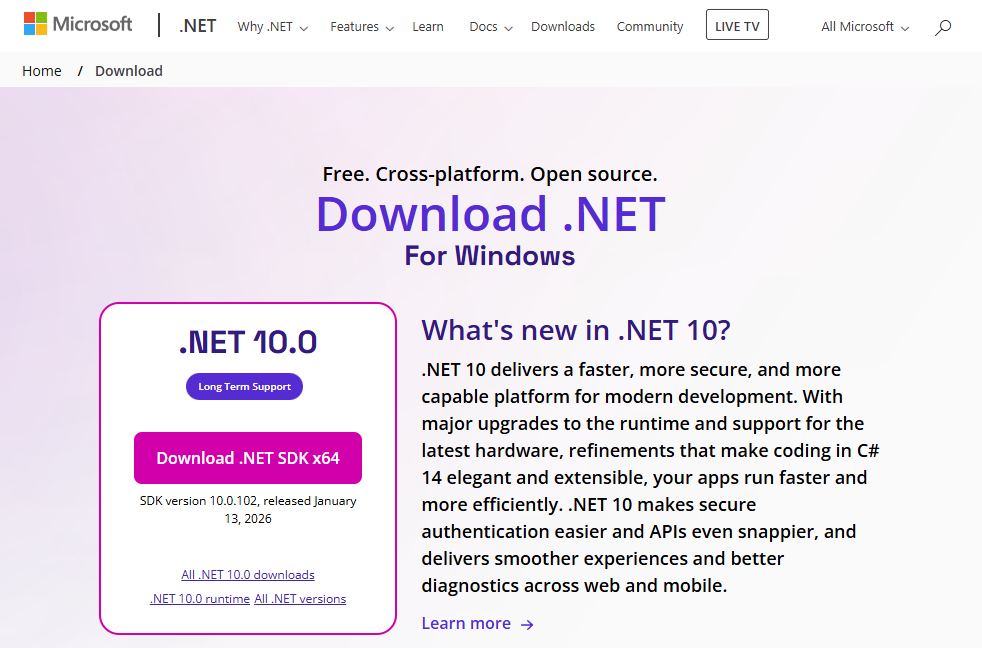
Once downloaded, open the installer, and click Install

The installer will begin the process. Hopefully it won't take too long.
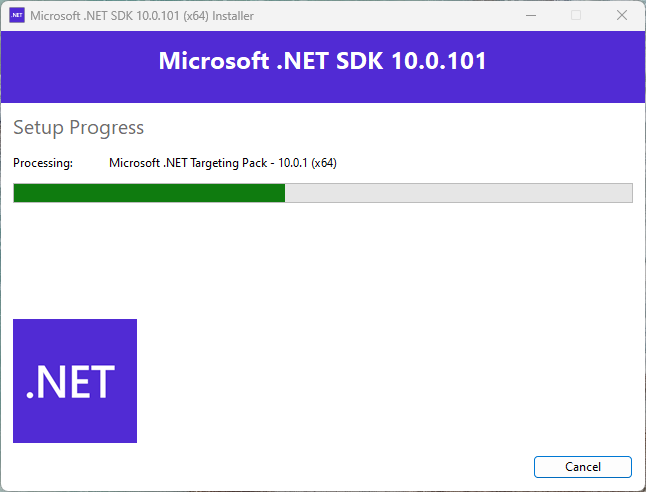
And then it should hopefully tell you it has completed.
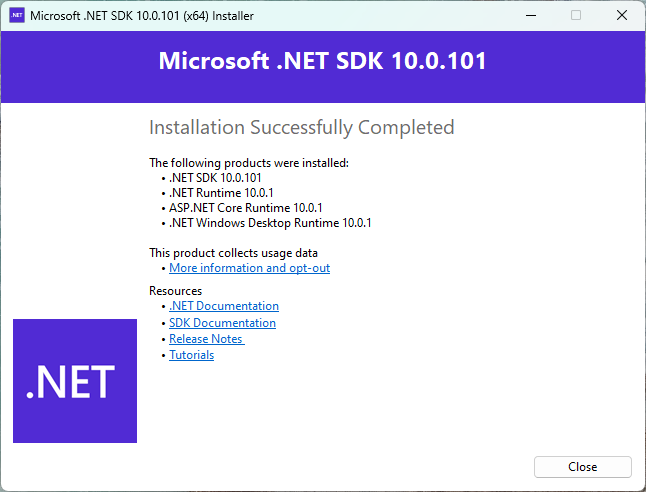
Tip: perhaps rebooting your machine at this point is a good idea.
Verify your installation
You can verify that .NET 10 has been installed by opening a Terminal and typing:
dotnet --version

Then, if you go back to Visual Studio 2022, load up your Solution, open up your Project Settings again, you should now see .NET 10 listed under Target frameworks.
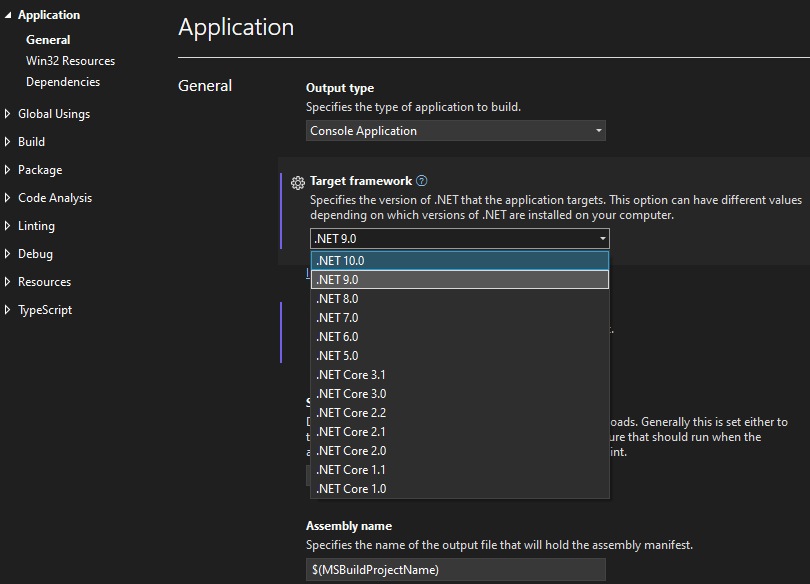
Job done!
I'd still advocate for upgrading to Visual Studio 2026 when you can.
It is a fantastic new release, fast (much faster), and feature packed.
More on Visual Studio 2026.
Alternatives to Visual Studio
Of course, Visual Studio IDE isn't the only option for developing on .NET 10 - I've just focused on that following on from my recent upgrade experience on a Windows machine.
Windows, macOS or Linux users also have the choice of using Visual Studio Code, with the C# Dev Kit Extension, or using JetBrains Rider IDE.
More on the C# Dev Kit for VS Code and JetBrains Rider.
Update - Summer 2026
Since this blog was written, several users have reporting difficulties getting the above to work.
It would seem it has become more difficult.
Ultimately, upgrading to Visual Studio 2026 is the goal.
View Blog Entries...
Page: 1, 2, 3, 4, 5, 6, 7, 8, 9, 10, 11